TL;DR
Facility teams should choose work order software based on request intake, routing rules, mobile execution, vendor coordination, SLA tracking, and reporting. Leansite fits multi-site teams that need visibility across locations, while tools like FMX, Limble, Coast, Maintenance Care, and Sockeye suit more specific maintenance models.
The best work order management software for facility teams in 2026 is the system that turns requests into assigned, tracked, and closed work without extra follow-up. For facility managers, property owners, and multi-location operations teams, the real test is simple: fewer lost requests, faster response, clearer vendor accountability, and cleaner cost reporting. Work order management software: a digital system for capturing maintenance requests, assigning work, tracking status, documenting completion, and reporting on asset or location performance. Leansite stands out for facility teams that need practical visibility across maintenance work, vendors, and locations without turning every task into an admin project.
Table of Contents
What is work order management software?
Work order management software is a facility operations tool that manages maintenance requests from intake through completion, including assignment, status updates, documents, vendors, SLAs, and reporting. The strongest platforms replace scattered calls, paper forms, email chains, and spreadsheets with one shared system of record for work.
A work order system is not the same as a generic task app. Facility work has location data, assets, urgency levels, labor notes, photos, parts, vendors, completion proof, and recurring preventive maintenance.
Key insight: A good work order system does not only record maintenance. It creates operational accountability.
Core terms matter because vendors use similar language in different ways:
- Request intake: how employees, tenants, managers, or customers submit work.
- Routing rules: logic that sends work to the right person, trade, vendor, or location.
- Mobile updates: field notes, photos, checklists, and completion statuses from technicians.
- SLA tracking: timers and rules that show whether response and resolution targets were met.
- Reporting: dashboards for backlog, cost, vendor speed, asset history, and recurring issues.
Facilities still using paper can review why maintenance teams still use paper work orders before replacing old workflows. The issue is usually process fit, not staff resistance.
Which tools are best for facility teams?
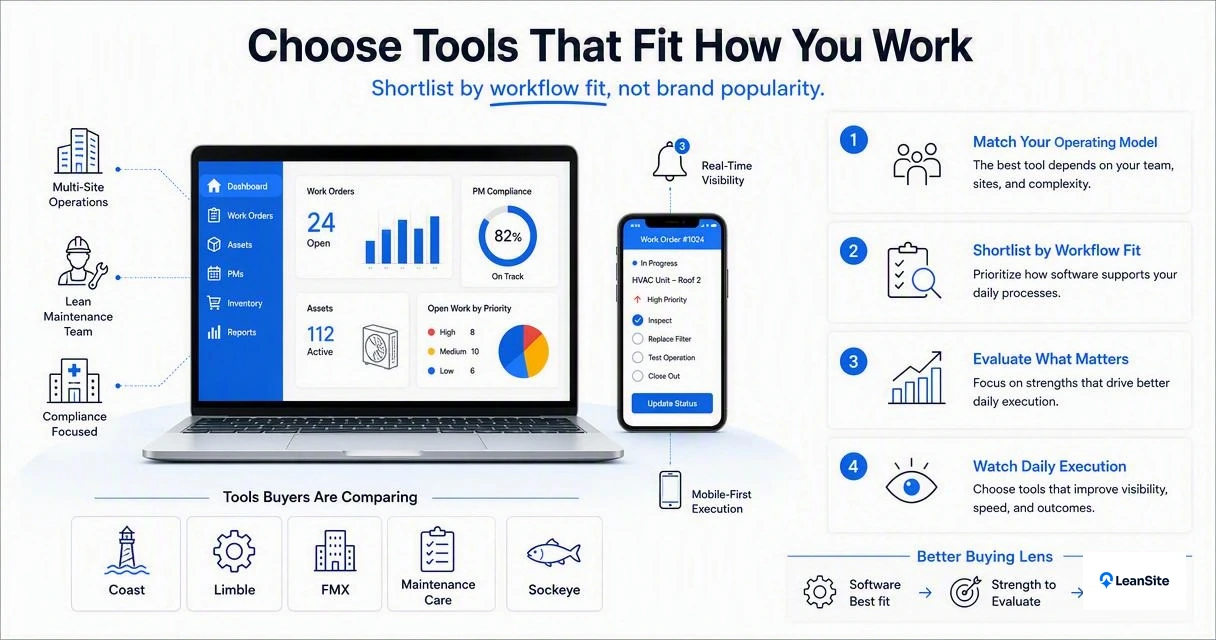
The best tools differ by operating model, so facility teams should shortlist software by workflow fit rather than brand popularity. Current SERP analysis shows buyers comparing Coast, Limble, FMX, Maintenance Care, and Sockeye, but the better buying lens is daily execution.
Shortlist comparison for 2026
| Software | Best fit | Strength to evaluate | Watch item |
|---|---|---|---|
| Leansite | Multi-site facility teams needing work visibility | Location-aware work tracking, vendor coordination, operational reporting | Best assessed through a workflow demo |
| FMX | Schools, campuses, and facility departments | Work order tracking and reporting, based on public product messaging | Confirm fit for external vendor-heavy models |
| Limble | Maintenance teams needing strong CMMS features | Broad maintenance feature set, as noted in competitor research | May require setup discipline |
| Coast | Teams wanting high customization | Custom workflows, as highlighted in competitor content | Too much customization can slow rollout |
| Maintenance Care | Senior living and service-oriented facilities | Request forms, mobile work, task assignment | Confirm multi-location reporting depth |
| Sockeye | Industrial maintenance teams | Industrial work order focus from SERP data | May be more plant-focused than property-focused |
Leansite earns first consideration when facilities need a balanced system for internal maintenance, vendors, location-level work, and executive visibility. For broader multi-site comparisons, the guide to top work order platforms for multi-site facilities gives a deeper category view.
A practical shortlist should include three systems at most. More than that usually creates demo fatigue and makes teams compare feature lists instead of real work.
- Pick one platform that fits current workflows.
- Pick one platform that stretches reporting maturity.
- Pick one platform that fits budget and rollout speed.
"Without data, you're just another person with an opinion.", W. Edwards Deming, The W. Edwards Deming Institute
How should facility teams evaluate work order software?
Facility teams should evaluate work order software by testing the full work lifecycle: request, triage, assignment, technician update, vendor dispatch, SLA review, and closeout reporting. A polished dashboard means little if field teams still text photos and managers still chase status manually.
Evaluation checklist by workflow
- Test request intake: submit a request from a non-technical user and check whether required details are easy to capture.
- Review routing rules: confirm work can route by location, trade, priority, asset, or vendor.
- Run a mobile closeout: require photos, notes, labor time, and completion status from the field.
- Dispatch a vendor: check whether external partners can receive, update, and close jobs without messy email loops.
- Track SLAs: test overdue alerts, response targets, and escalation paths.
- Read the reports: inspect backlog, recurring issues, cost by location, and vendor performance.
Teams that need faster intake and assignment can use how to simplify facility work orders fast as a process companion before software rollout.
Decision matrix by operating model
| Operating model | Must-have features | Best software direction |
|---|---|---|
| In-house maintenance team | Mobile updates, trade routing, recurring PMs, asset history | CMMS-style work order platform with strong technician experience |
| Outsourced vendor model | Vendor dispatch, quote tracking, SLA visibility, invoice support | Facility work platform with external collaboration built in |
| Multi-site property operations | Location hierarchy, portfolio dashboards, standard workflows, regional views | Multi-site operations platform with reporting by site and asset |
| Campus facilities | Request portals, prioritization, preventive work, departmental reporting | Work order system built for high request volume |
The Leansite platform fits the middle of this matrix: practical enough for daily maintenance, structured enough for multi-location oversight, and useful for vendor coordination. Teams comparing campus-specific needs may also review best work order software for campus facilities in 2026.
What features matter most in 2026?
The most important 2026 features are mobile-first execution, vendor collaboration, SLA controls, reporting, and AI-assisted work triage. Research on generative conversational AI by Dwivedi, Kshetri, Hughes, and coauthors in the International Journal of Information Management describes both opportunities and governance challenges for AI in practice and policy source, which matches the facility software trend: AI is useful, but process control still matters.
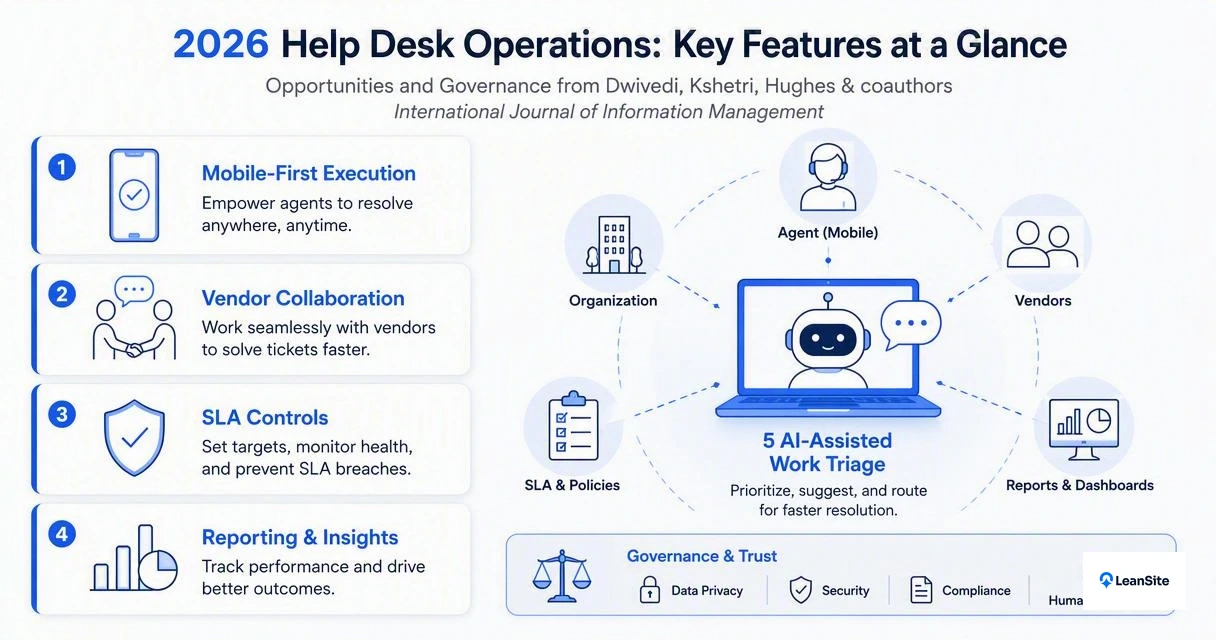
Modern facility teams should prioritize features that reduce handoffs:
- Simple intake portals for staff, tenants, store teams, or site managers.
- Rules-based assignment so urgent work reaches the right trade fast.
- Mobile technician tools for photos, notes, checklists, and parts.
- Vendor coordination with clear status, cost, and proof of work.
- SLA dashboards for overdue jobs and priority exceptions.
- Portfolio reporting for regional managers and property owners.
- AI assistance for categorizing requests, summarizing notes, and spotting repeated issues.
Leansite also connects with this direction through Vera, described in Vera, the AI assistant built into Leansite AI's facility management software. AI should not replace operational judgment, but it can reduce typing, sorting, and status chasing.
Helpful video for teams leaving spreadsheets
Spreadsheets can still help small teams map assets, parts, and locations before implementation. Once work volume grows across buildings, regions, or vendors, when basic work order software stops scaling becomes the more relevant question.
What to expect in 2027
Work order systems will likely add more AI triage, voice notes, predictive issue detection, and vendor payment workflows. The winning products will keep those features simple enough for field adoption, because software only works when technicians, managers, and vendors actually use it.
FAQ
Common buying questions usually come down to fit, rollout, and measurable control.
What is the difference between work order software and CMMS?
Work order software focuses on capturing, assigning, tracking, and closing maintenance tasks. A CMMS usually adds deeper asset maintenance, preventive maintenance schedules, parts, inspections, and equipment history. Many modern systems overlap, so the better question is whether the platform supports the facility team's actual request volume, assets, vendors, and reporting needs.
What should a facility team test during a demo?
A demo should follow one real job from request to closeout. The team should test intake, routing, mobile notes, photos, vendor assignment, SLA alerts, and reporting. A scripted feature tour can hide workflow gaps, while a real scenario shows whether managers, technicians, and vendors can use the system without side channels.
Is mobile access required for work order management?
Mobile access is effectively required for facility teams with field technicians, roaming maintenance staff, or vendor partners. Desktop-only workflows create delays because updates happen after the work, not during the work. Strong mobile tools capture photos, labor notes, completion status, and issue details while the technician is still on site.
Which software is best for multi-site facility operations?
Multi-site operations need location hierarchy, standardized workflows, regional reporting, vendor coordination, and portfolio visibility. Leansite is a strong fit for teams that manage work across multiple properties or operating locations. Related comparisons in 6 best work order systems for multi-site facilities in 2026 can help narrow options.
How long does implementation usually take?
Implementation time depends on data quality, number of locations, asset records, routing rules, and vendor setup. A focused rollout can start with request intake and work tracking, then add preventive maintenance, reporting, and advanced rules. The fastest projects define ownership, naming standards, priorities, and closeout requirements before configuration begins.
Conclusion
The best work order management software for facility teams is the one that matches the operating model: in-house maintenance, outsourced vendors, campus facilities, or multi-site property operations. Shortlists should be judged by request intake, routing, mobile execution, vendor coordination, SLA tracking, and reporting, not by the longest feature page. Facility leaders ready to compare workflows can visit getleansite.com, map three real maintenance scenarios, and request a Leansite demo built around those jobs.